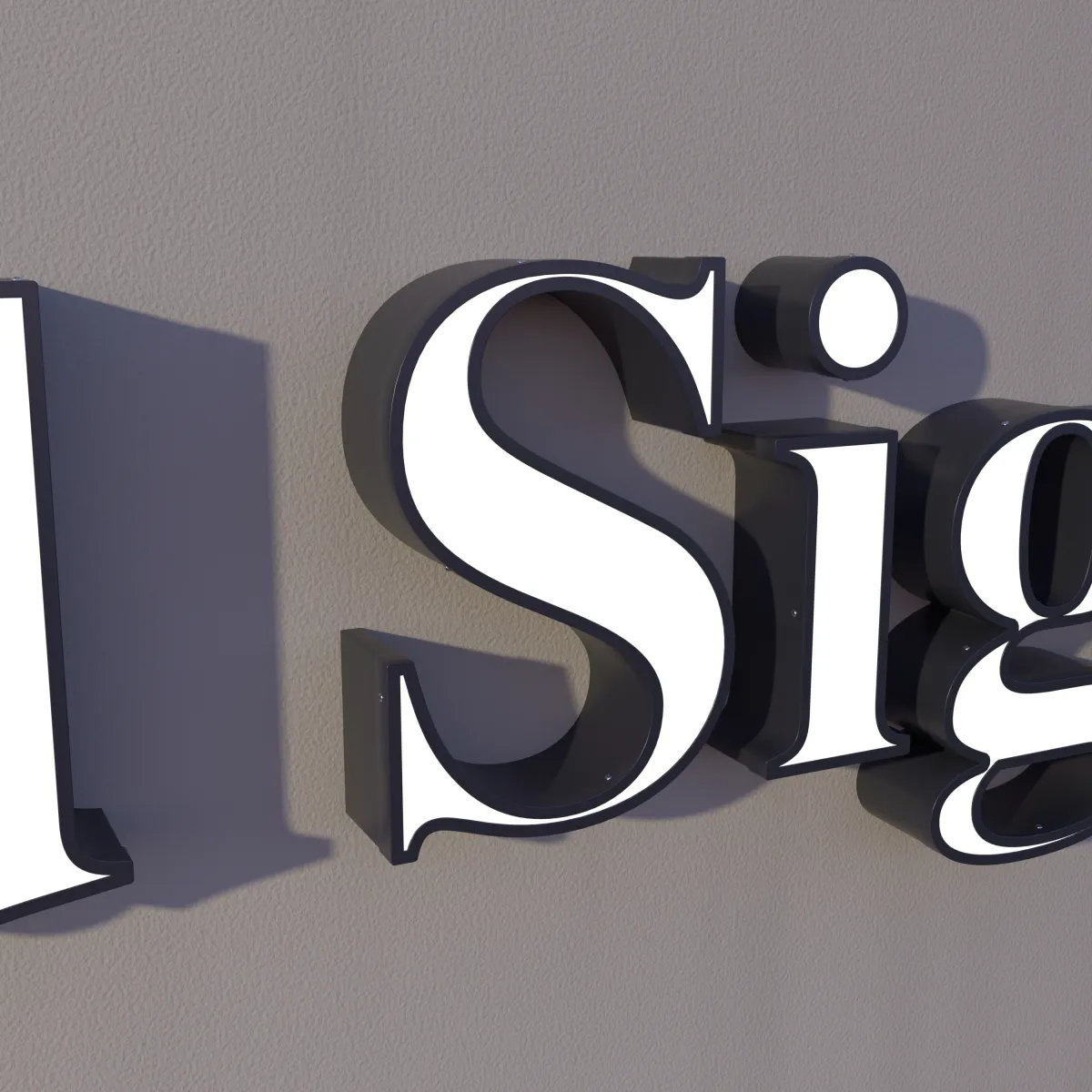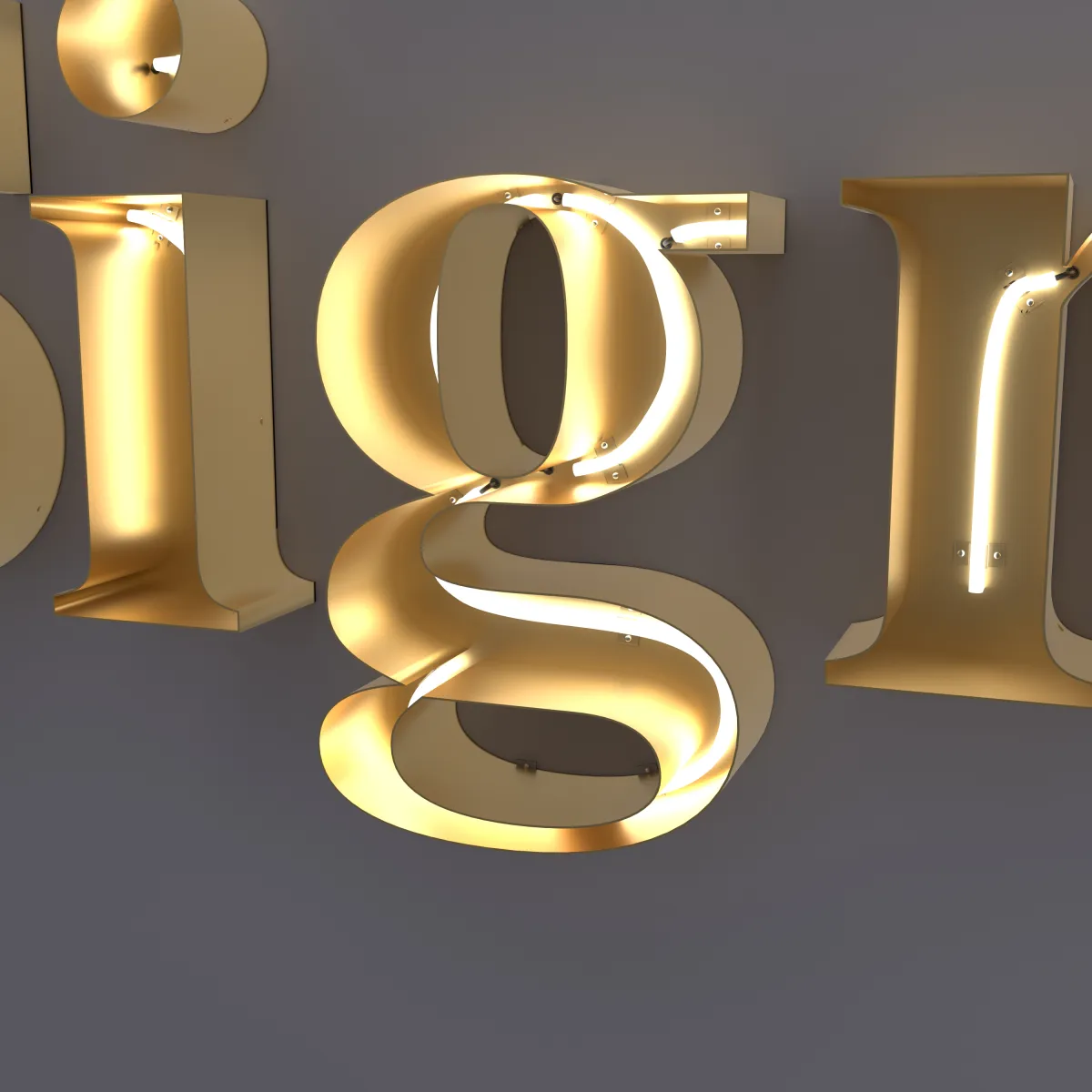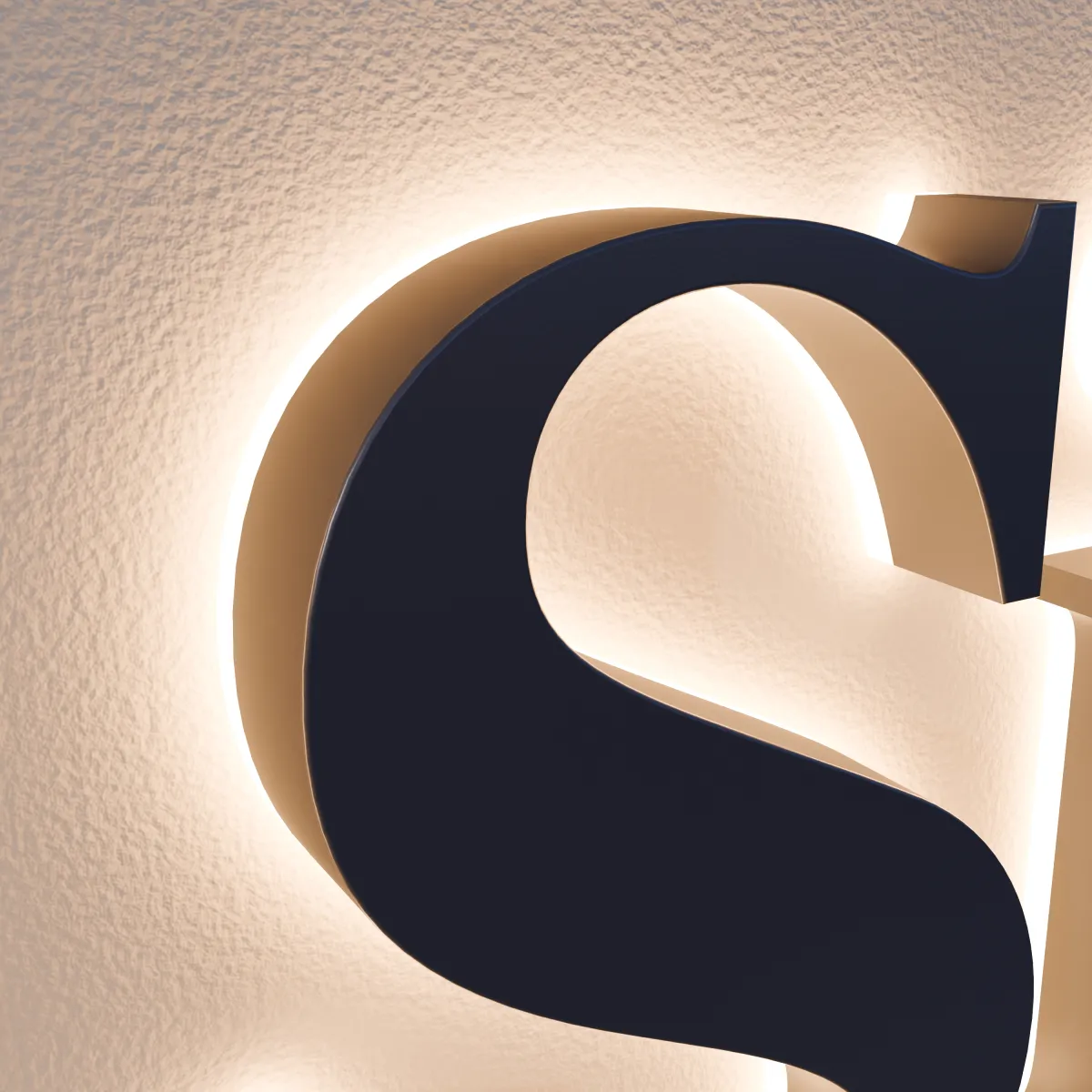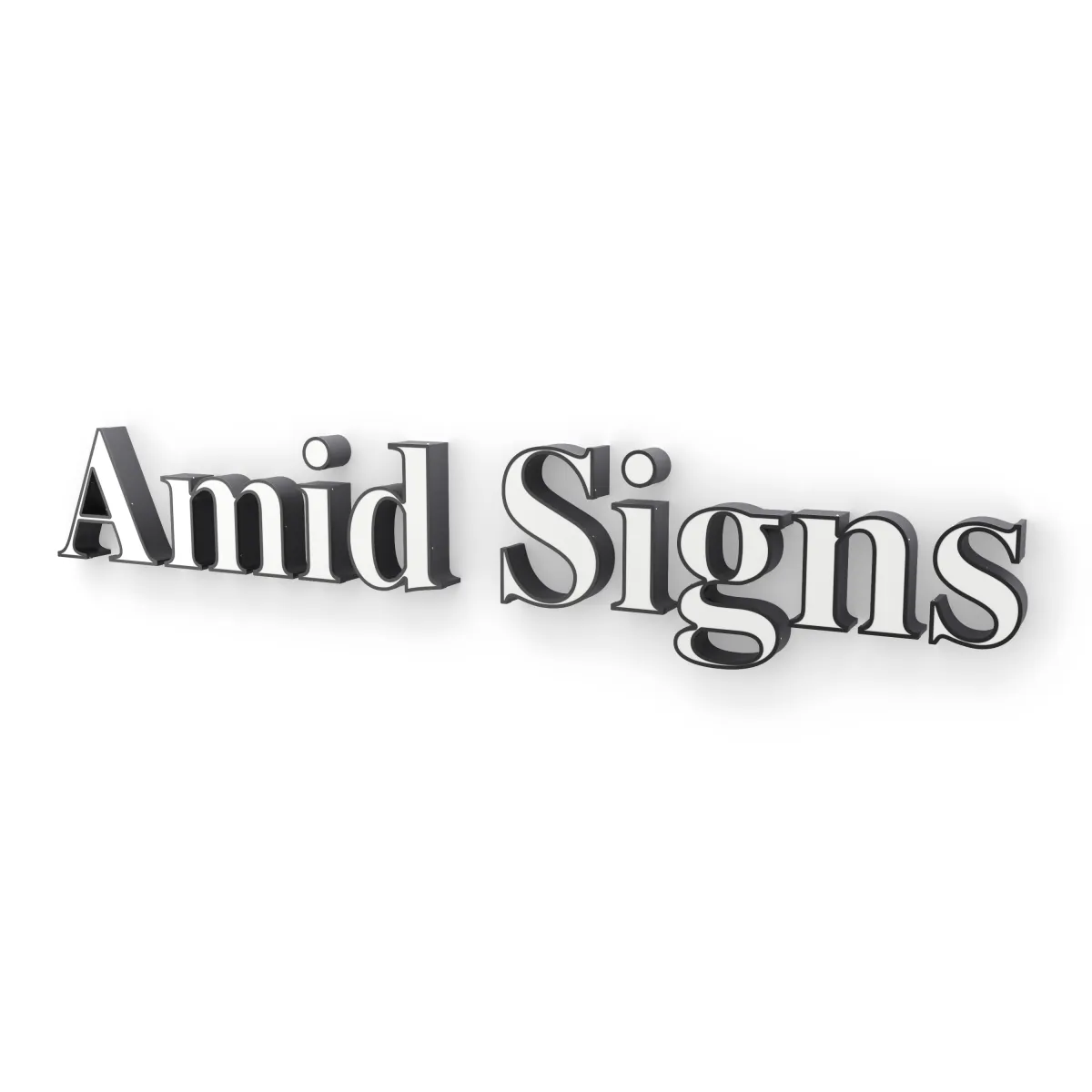
Any logo file works to start. You don’t need a print-ready file to ask for a quote: send what you have, and we make your drawing from it. A better file simply means your drawing matches your logo more closely, with fewer questions back and forth.
Here is what to look for, how to check what you have, and what to send with it.
The short version
| What you have | Good to send? | Tips |
|---|---|---|
| AI, EPS, SVG or a PDF from a design program | Best | Ask your designer for the original or "vector" file |
| A large PNG or JPG | Fine | The bigger and sharper, the better |
| A photo of your current sign | Fine | Straight on, in daylight |
| Just your business name | Fine | Tell us the font, if you know it |
The quote form takes AI, PDF, SVG, EPS, PNG and JPG files.
Best: a vector file
A vector file stores your logo as shapes, not pixels, so it stays sharp at any size. That matters for channel letters, because each letter is cut to the outline of your logo — a clean outline gives a clean letter.
Common vector formats are AI (Adobe Illustrator), EPS, SVG and PDF. If a designer or print shop made your logo, ask them for “the vector files” or “the original artwork.” It is worth searching old emails from whoever designed it, too.
How to tell if a file is really vector
- Zoom in a long way. A vector logo keeps smooth, sharp edges. A picture turns blocky or blurry.
- Watch for PDFs. A PDF is only vector if it was saved from a design program. A scan or a photo saved as a PDF is still a picture inside.
- A file name isn’t proof. Renaming “logo.jpg” to “logo.svg” doesn’t make it vector.
If your file has text in it
If your logo includes words set in a font, ask your designer to convert the text to outlines (sometimes called “create outlines” or “convert to curves”) before they send it. Otherwise the file may open in a different font on our side. If that’s not possible, tell us the font name.
Fine: a PNG or JPG
A picture of your logo works too. Send the largest version you have — the original from your designer, not a copy saved from social media or a website, which is often shrunk. A file with a plain or transparent background is easier to work with than a logo sitting on a photo.
Also fine: a photo of your current sign
No file at all? Take a photo of your current sign, business card or menu:
- Stand straight in front of it, not at an angle.
- Shoot in daylight, without glare or shadows across it.
- Fill the frame with the logo.
We can work from that.
Just your business name?
If your sign is only text, tell us the exact wording, capital letters included, and the font name if you know it. If you don’t, describe the look you want — bold, narrow, script, classic — or send a photo of a sign you like. Your drawing is made from your logo file or the font you name.
Add the details that go with the file
A file shows the shape. These details make the drawing right:
- Colors. Pantone (PMS), HEX, RGB or CMYK codes, if you have them. See Choosing colors and finishes for stainless steel letters.
- What lights up. Tell us if some parts of the logo should glow and others not.
- Which parts are the sign. Many logos come with a tagline, phone number or web address. Tell us which parts go on the wall.
- Your wall. The width and a photo. See How to measure your wall for channel letters.
- Your style: front-lit, halo-lit, open-face neon or “Not sure yet.”
Small details and thin lines
Channel letters are built from steel, so very thin lines and tiny details can be hard to make at small sizes. If a part of your logo needs adjusting so it can be built, you see the change on your drawing. Bigger letters keep more detail; the size guide covers letter height.
You check everything on the drawing
We reply with a drawing that shows your logo as a sign, with letter sizes and colors, a preview of it lit up, and an exact price. Price depends on letter size and how many letters; see pricing. Nothing is cut until you approve it.
Ready? Upload your file on the quote form.